1D Cellular Automata Midi Sequencer
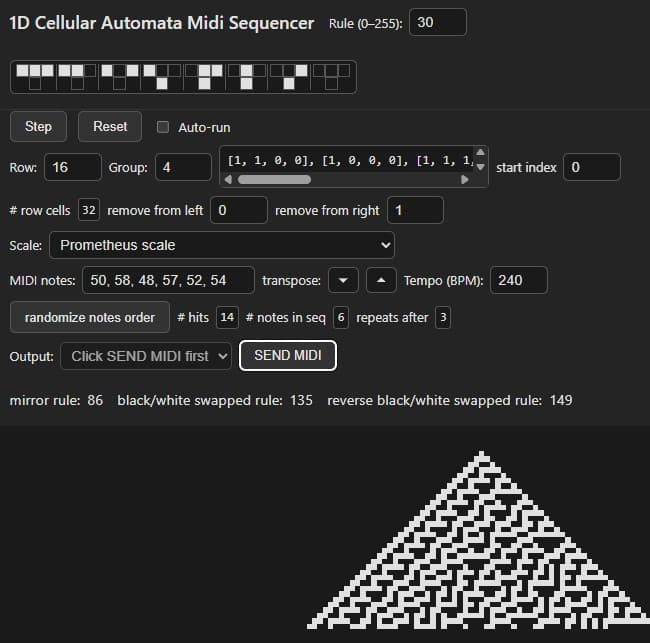
Created with Javascript and CSS using Web MIDI API to send MIDI messages
runs in web browser, requires no setup if user already has midi ports configured on device
Send midi notes to other applications for your sequencing pleasure
Please use with your midi device at:
Demo
Instructions
This is a tutorial on how to use the 1D Cellular Automata Midi Sequencer
this app is available to use in your web browser at the above link
and will allow you to create rhythms derived from a horizontal cross section
of any of Stephen Wolfram's 1D Cellular Automata
Elementary Cellular Automatonto illustrate how the patterns are created
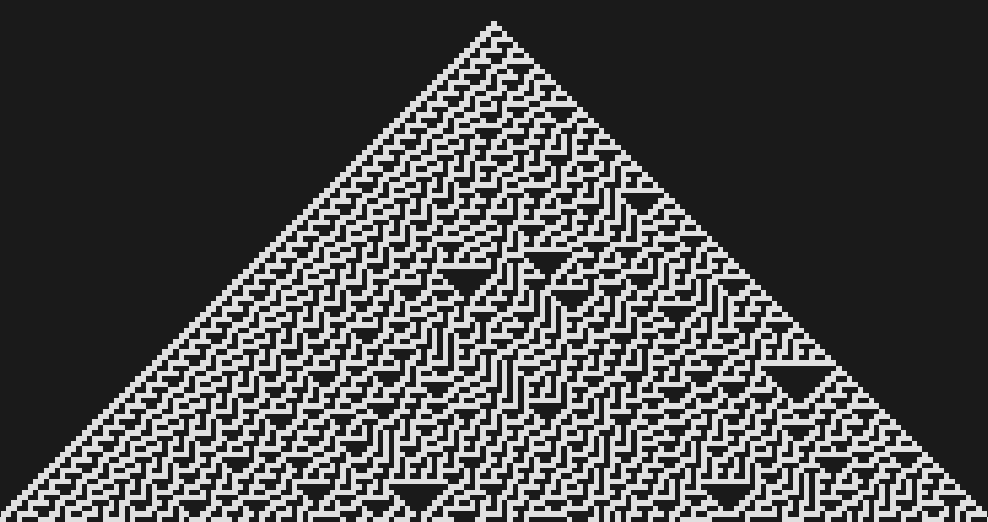
the app has an option to visualize the rule when I select auto run
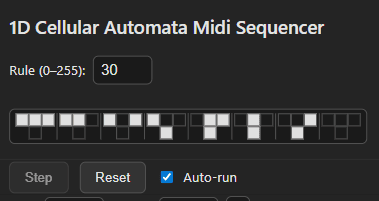
the specified rule is repeatedly run and displayed in the bottom portion of the app
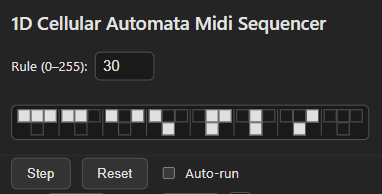
the set of operations are displayed right here
and represent how a cell will evolve on each iteration based on the 3 cells above it
for instance, for rule 30 if the cell to the top left is black,
the cell directly above is white, and the cell to the top right is white, then the cell below will be white
and all of the other possible possibilities are outlined depending on which rule is specified
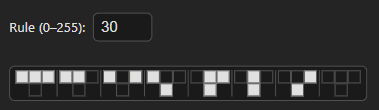
you can specify any one of 0-255 rules in this field
and the Step Reset and Auto-run controls are all for the visualization of the rule
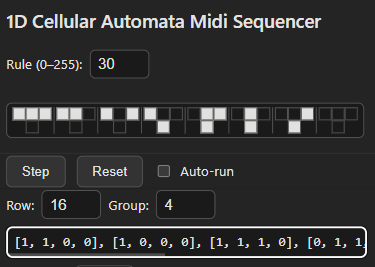
here are the controls to use for creating midi sequences
Row specifies which of the horizontal rows of the cellular automaton to use for the rhythm
for instance if I specify row 16, the rhythm is specified as 1s for notes and 0s for rests
following the pattern of black and white squares in that row
you can group together the rhythm in whatever note grouping to help visualize the pattern
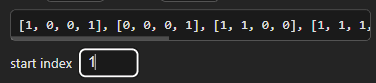
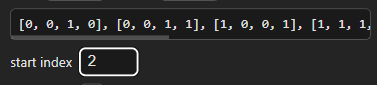
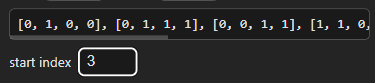
you have the option to adjust the start point of the rhythm with the start index
you can see how the rhythm is getting cyclically shifted to start on the start index that I specified
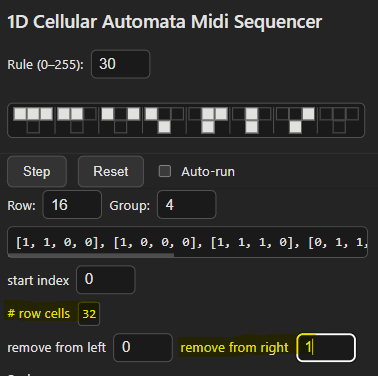
there is the option to remove notes from the left or the right of the row rhythm
for instance there are 33 notes in row 16 in this example
and I would like to create a rhythm that fits into a 2 bar space
so I will remove the last note from the rhythm sequence from the right
the # of row cells are displayed as a guide to how many 16th notes are in the rhythm
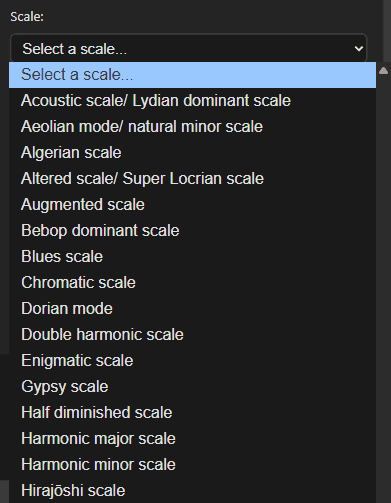
you then have the selection of the notes that you want to play on the rhythm section
there are an assortment of scales that you can select from the drop down menu
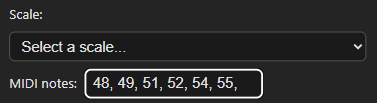
or you can manually enter midi note values (middle C is 60 for example)
directly into the input box
these notes will be cycled through and played in order
for every black cell or 1 in the row rhythm
there is the option to transpose all of the notes
up or down 1 pitch value at a time
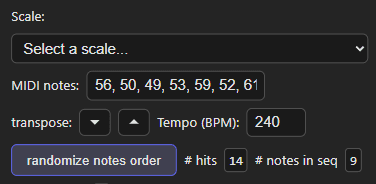
and an option to randomize the sequence of the notes
in the scale that is cycled through
here is where you can set the tempo in beats per minute
to your desired speed
and adjust the beat division in relation to the tempo
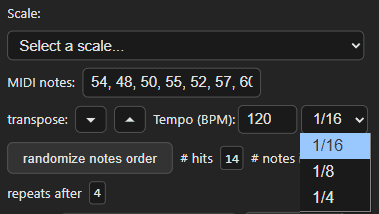
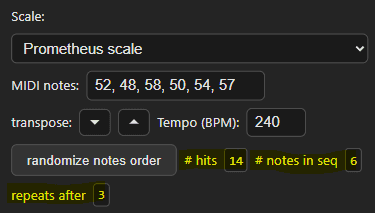
the # of hits, # notes in seq, repeats after displayed values
are for reference to be able to have an idea on how the # of notes
in the note sequence interacts with the # of notes in the rhythm sequence
as in how many hits are in the rhythm sequence
and how many notes are in the MIDI note sequence
and how many times it will take to go through the row
before the 1st note is also the 1st hit of the sequence
in the below example the # of hits in the rhythm sequence is 14 (# of notes and not rests)
and the # of notes in the MIDI notes sequence is 6
repeats after is calculated to be 3
(after 3 cycles through the rhythm sequence
the 1st note in MIDI notes will be the 1st hit in the rhythm sequence again
and the pattern repeats)
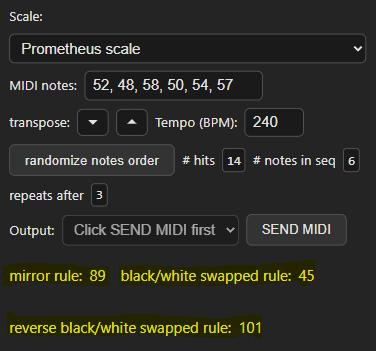
the equivalence rules
as in mirror symmetric and swapping the black cells with the white cells
are displayed here for the user's reference
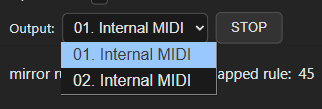
actual midi note sending
if you already have midi routing configured on your computer
then the available midi output device will show up to select
when you press SEND MIDI
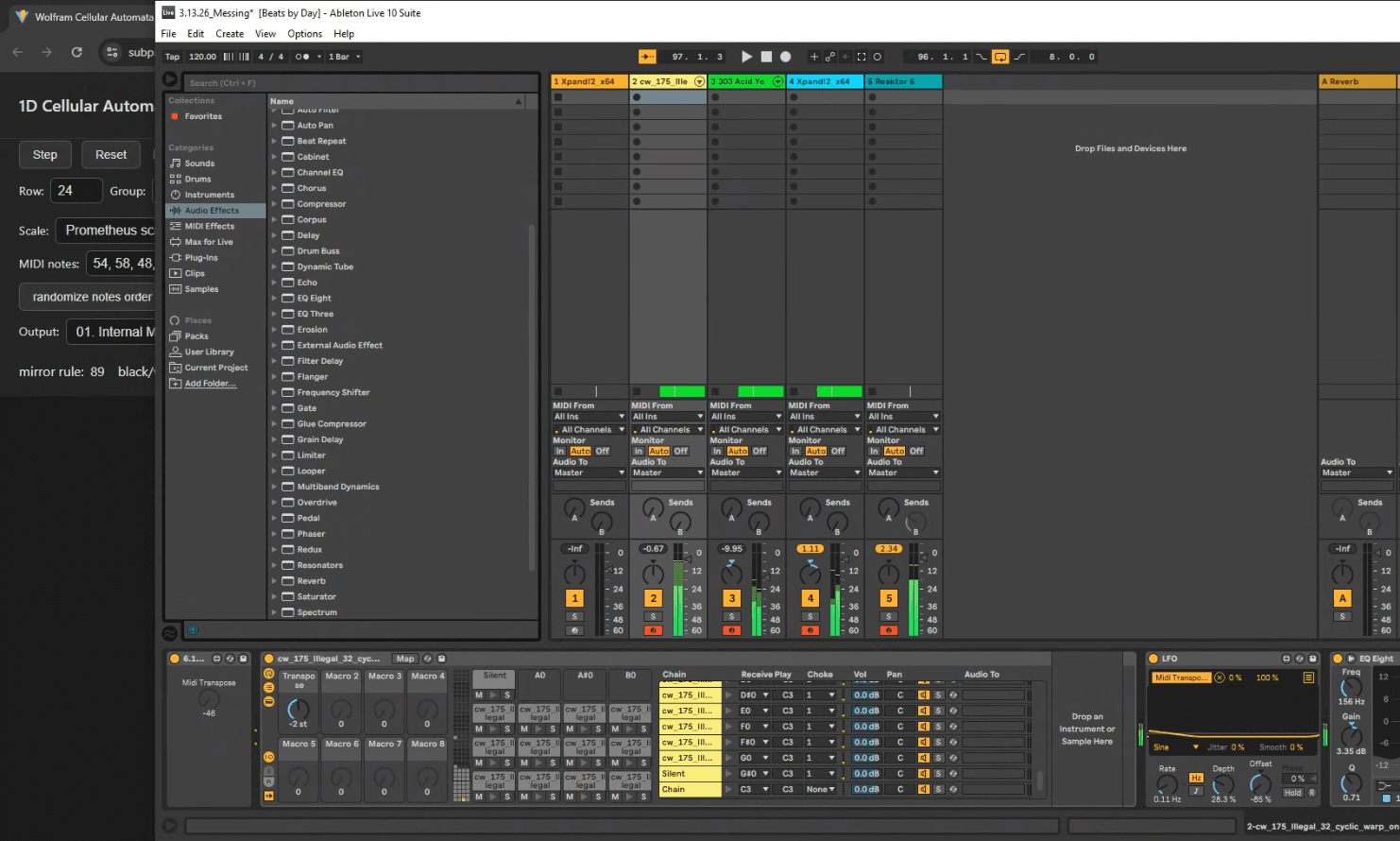
I'm using loop be 30 to create the virtual midi ports on my windows laptop
to send the midi information to ableton but however you have your setup set up
your available midi ports should be detected

so can run this outside of your daw from the web browser
at least a piece of the application needs to remain in focus
for the midi notes to be sent accurately
to demo on mobile devices you could download FluidSynth MIDI Synthesizer
for free and it will show up as an available output to send midi from the app to
or on ios devices I find that you could download NS Midi Player
and Web MIDI Browser to load this app on
there is a lot to play around with here and I have had a lot of fun
exploring patterns to create musical ideas with
give it a go and see if you find any patterns that strike your interest